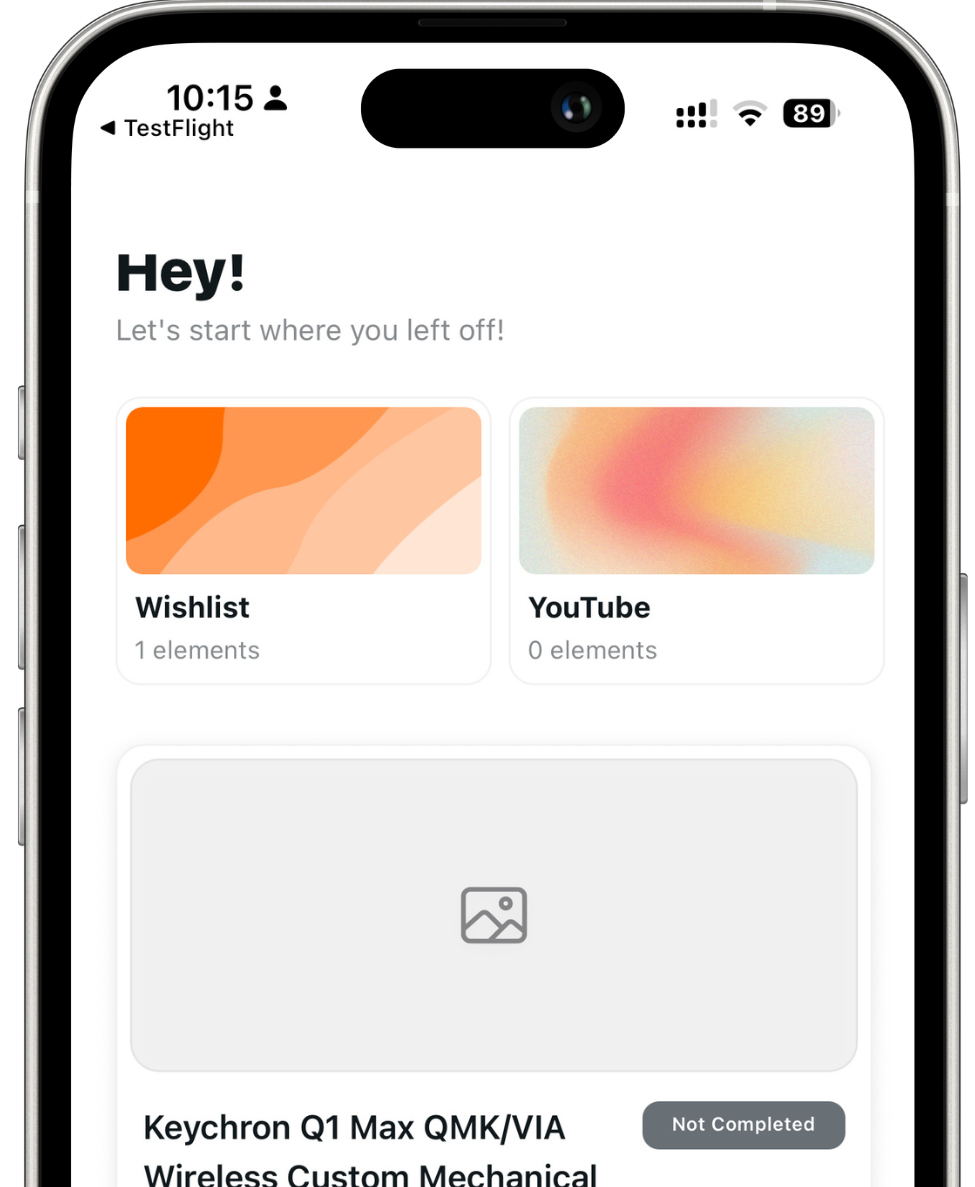
Save YouTube videos and links
Capture videos the moment you find them with the Reminde Chrome extension. Keep a watch-later list that actually reminds you when you have time — not another abandoned bookmark folder.

Pocket is shutting down
Bring your saved articles into Reminde and keep getting reminded about what you meant to read — organized into slots, synced across devices.
Create organized collections with multiple reminder
Never forget a thing you wish to buy. Get reminded about it!
Save articles, posts, websites, etc. and read them when it's time.
Save content from multiple platforms and stay inspired.
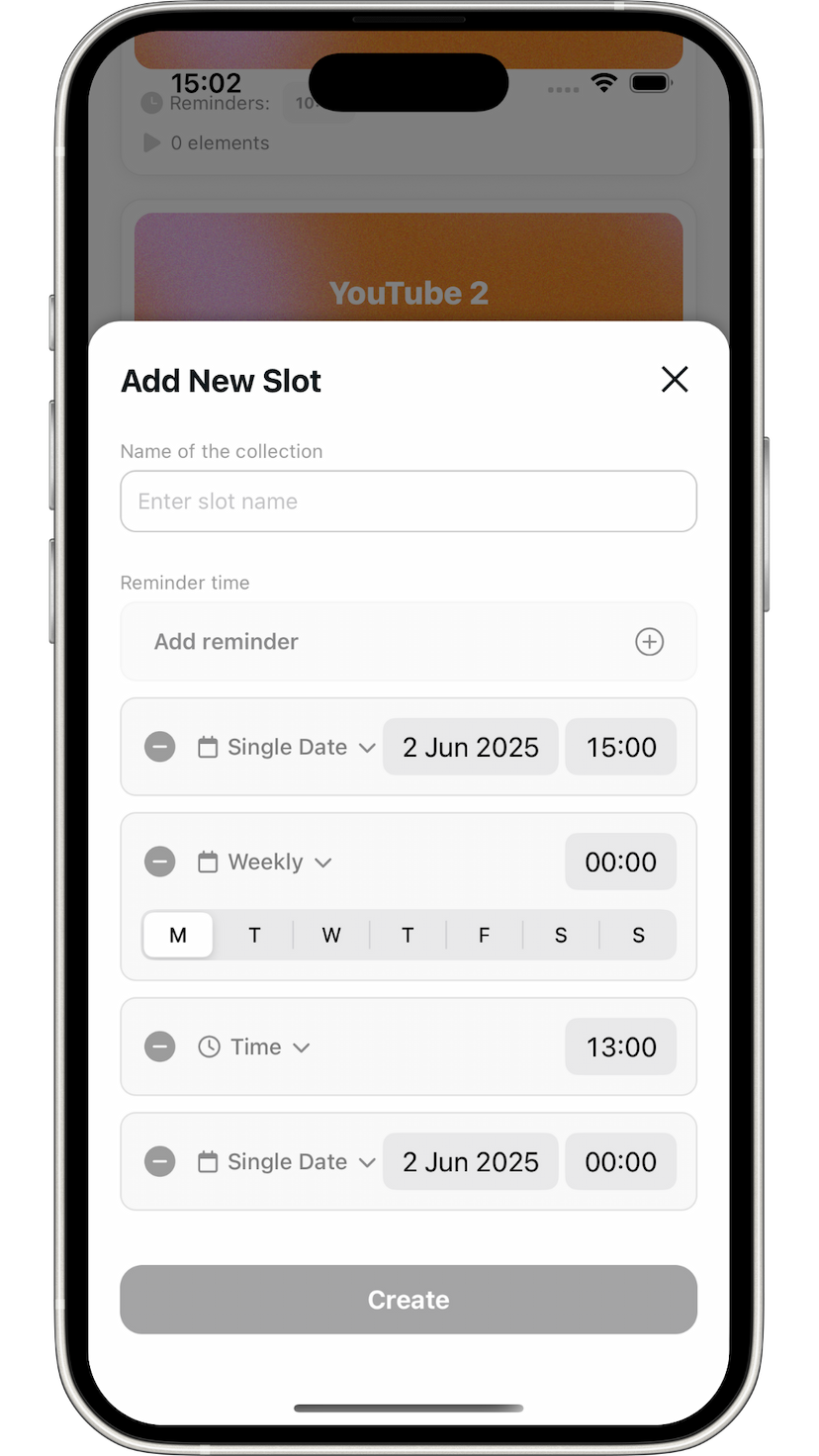
Save content from multiple platforms, whether it's a website, a video, a post, an article or a thing to buy.
Stop forgetting about things you want to buy.
Save articles, posts and websites and stay productive.
Save in multiple slots with multiple timings, organizing your time.
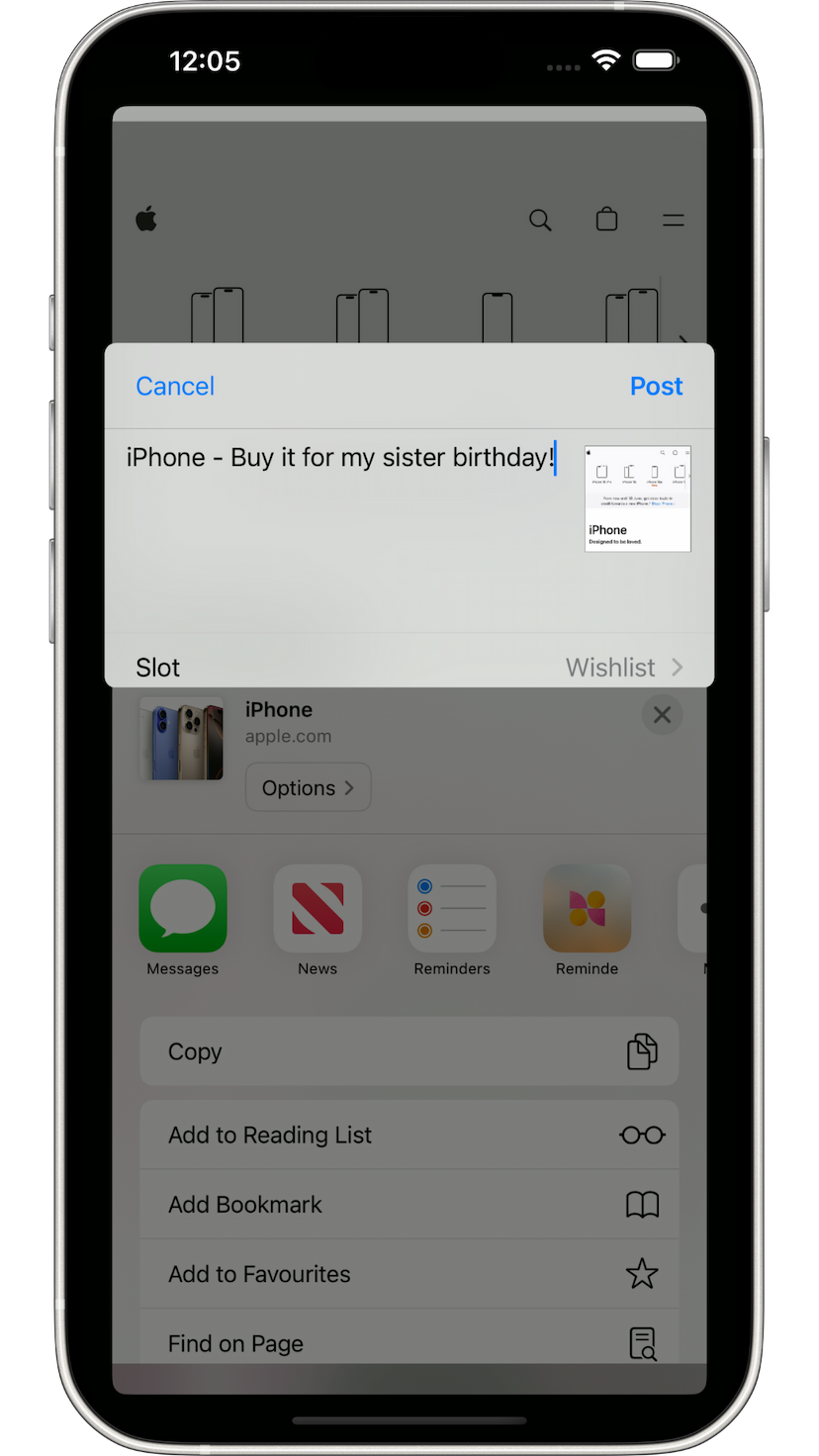
Set multiple timings or one date and never miss a thing.
Set a single date and get reminded about it.
Daily timing allows you to get reminded every day at specific times.
Set weekly timings and get reminded on specific days of the week.
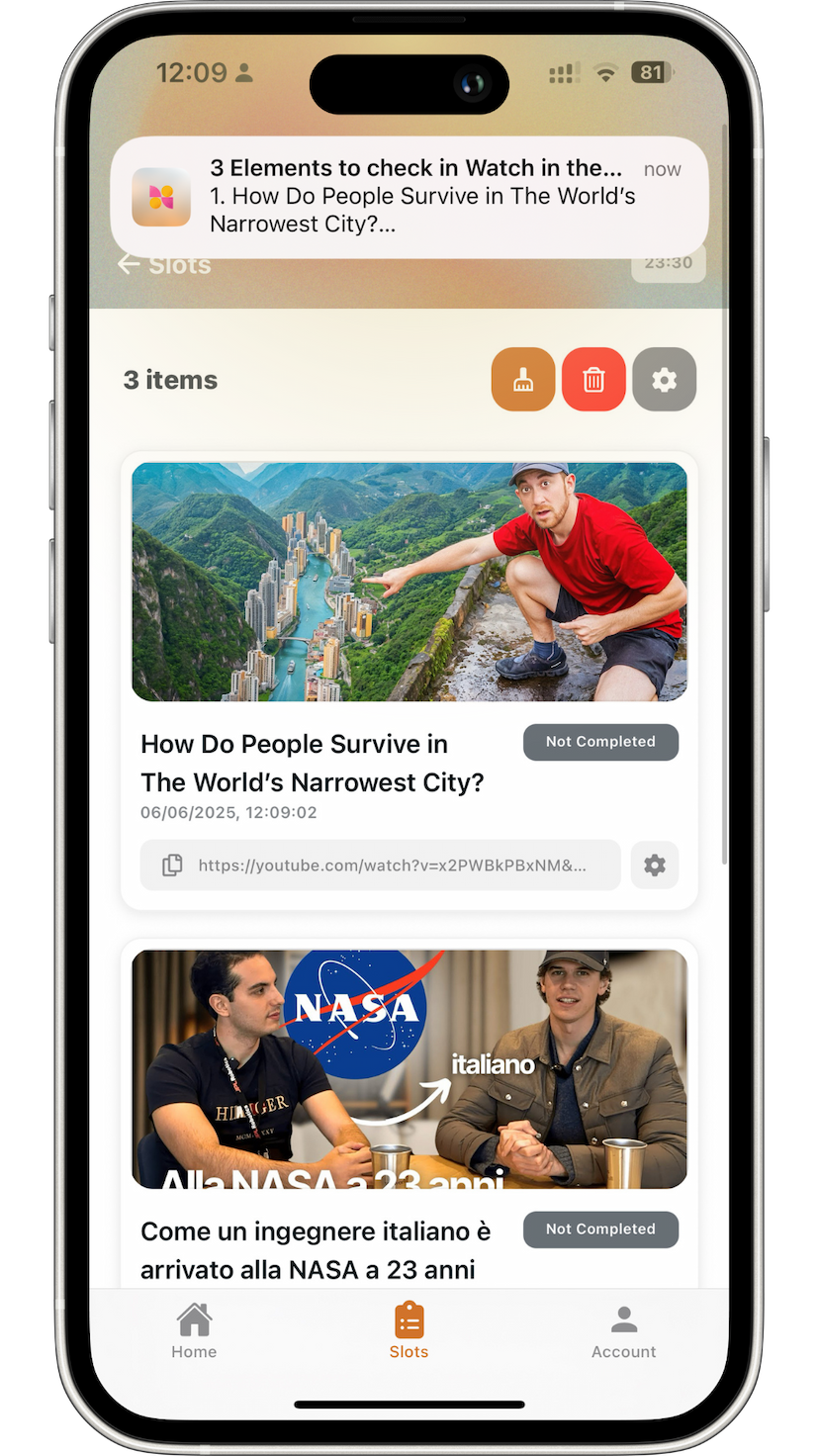
Why Reminde
Bookmarks pile up. Tabs go stale. Reminde is a simple place to save what you want to watch, read, or buy — then get reminded when it matters. Use the Chrome extension, the web app, or your phone.
Built as a practical Pocket successor: save links once, organize them into slots, and sync across devices without the clutter of a full bookmark manager. If you were looking for a keeper chrome extension with reminders — not just another save button — this is it.
Capture videos the moment you find them with the Reminde Chrome extension. Keep a watch-later list that actually reminds you when you have time — not another abandoned bookmark folder.
Articles, product pages, blogs, and research — save the page, drop it into a slot, and pick it up later from web, iOS, or Android. A practical way to save web pages without drowning in tabs.
Group saved items into wishlists, reading lists, watch later, or shopping lists. Reminde works as a focused tab and list manager for Chrome — less chaos than a full bookmark dump.
Use Reminde as your list app on Android and iOS, or from the web. Shareable lists and synced slots mean the same saved items follow you across devices.
Built differently
Most extensions only stash links. Reminde closes the loop with organization and reminders so saved content does not disappear into a black hole.
Reminde is built as a keeper extension alternative for Chrome: save fast, then get notified — not just another static bookmark tool.
Save from the Chrome extension or a bookmarklet when you need a lighter option. Your saved items stay organized in one place.
Set a date, daily times, or weekly rhythms so videos, articles, and products resurface when you can actually act on them.
Start on desktop, finish on your phone. Slots and reminders stay in sync across Chrome, web, iOS, and Android.
Everything you need to save, organize, and actually revisit content — without a wall of feature cards.
Free to start. Upgrade when you need more.
Chrome, web, iOS, and Android — one account, synced slots.
Save pages and YouTube links in one click from the extension.
Manage slots and reminders from any browser.
Share into Reminde and get notified on your iPhone.
Same slots and reminders on your Android device.